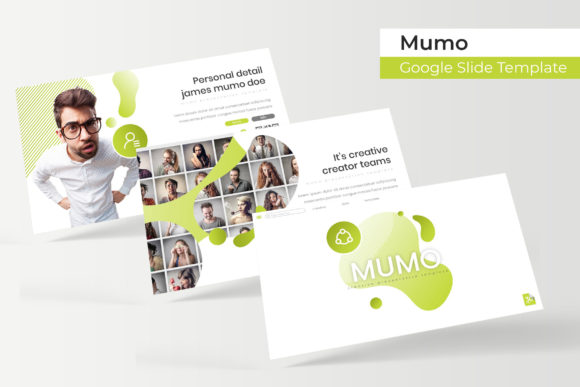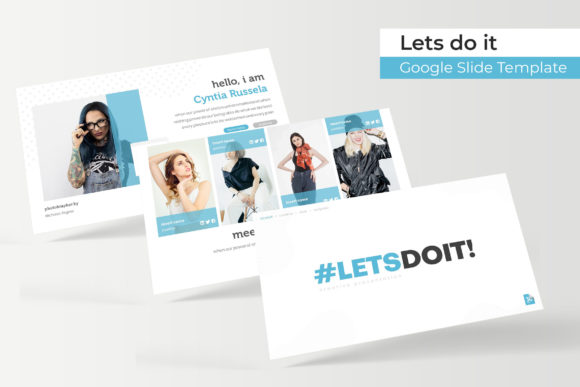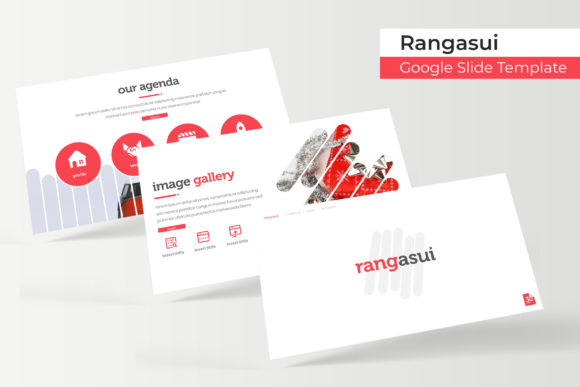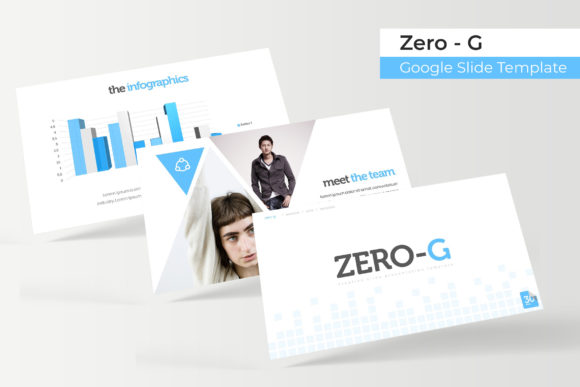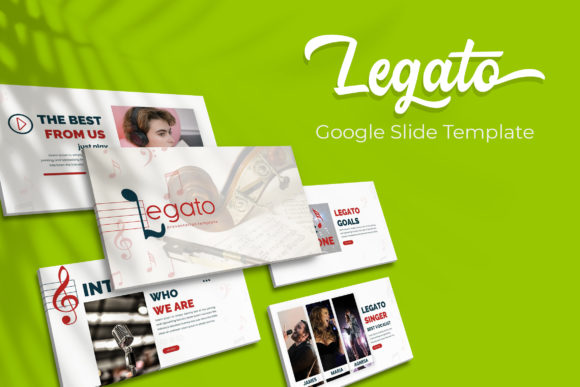
Legato Google Slide Template
Transform your next presentation from a simple slideshow into a compelling visual story with the right design tools. A well-structured template can save you hours of work while ensuring your message is delivered with clarity and style. The Legato Google Slide Template offers a comprehensive solution for professionals and creatives who need to build polished, on-brand presentations quickly and efficiently.
This isn't just a single set of slides. It's a versatile design system built to adapt to your needs. The core package includes over 150 meticulously crafted slides, organized into five distinct, premade color palettes. Each color variation provides 30 unique slides, giving you immediate flexibility to match any brand identity or mood, whether you're presenting a corporate report, a creative portfolio, or a marketing strategy.
Designed for Impact and Ease of Use
What sets the Legato template apart is its focus on both aesthetics and functionality. Every slide is built on a master slide foundation, ensuring pixel-perfect consistency across your entire deck. The graphics and illustrations are fully resizable and editable, allowing you to customize every element without losing quality.
For those who work with visual content, the inclusion of drag-and-drop picture placeholders is a significant time-saver. You can easily insert your own images into pre-designed frames, maintaining the layout's professional balance. Furthermore, the template includes handcrafted infographic elements and dedicated section break slides, helping you organize complex information into digestible, visually engaging segments.
Practical Applications for Every Creator
The true value of a template like Legato lies in its broad application. Consider these scenarios where it can elevate your work:
- Business Professionals: Create cohesive quarterly reviews, investor pitches, and internal training materials that reflect a high level of professionalism.
- Designers & Agencies: Showcase portfolios, project case studies, and brand guidelines with slides that highlight your work without distraction.
- Marketers & Educators: Develop engaging workshop materials, webinar presentations, and social media campaign plans with clear visual hierarchy.
- Startups & Entrepreneurs: Build impactful pitch decks and product launch presentations that tell a convincing story to potential investors or customers.
The inclusion of gallery and portfolio slides makes it particularly useful for creatives who need to present visual work, while the infographic sections are ideal for data-driven narratives.
Tips for Selecting and Using Your Template
When choosing a presentation template, look beyond the initial preview. First, assess its readability. Ensure the font choices and color contrast meet accessibility standards for your audience. Next, consider the mood—does the design align with the tone of your message? The five color variations in the Legato package offer a great starting point for experimentation.
Effective font pairing is also crucial. While the template comes with suggested typography, feel free to explore complementary typefaces that enhance your brand's voice. Always verify that the template's license permits your intended use, whether for commercial projects, client work, or internal purposes. A well-chosen design asset like this not only streamlines your workflow but also strengthens your visual consistency, making your brand more recognizable and your communication more effective.
Ultimately, investing in a quality presentation template is about respecting your audience's time and attention. It allows you to focus on crafting your message, confident that the visual framework will support and amplify your ideas. The right tools don't just make your slides look better; they make your ideas clearer and more persuasive.