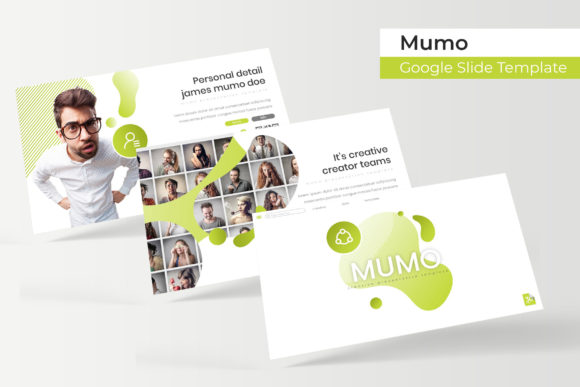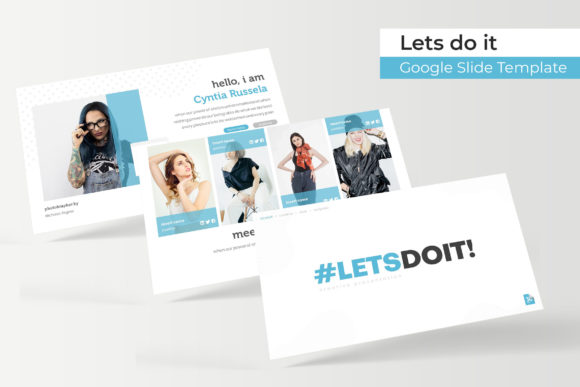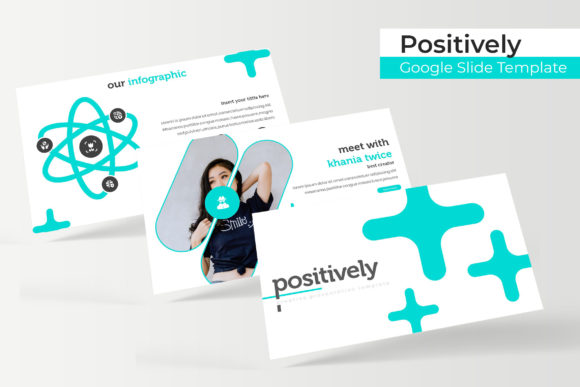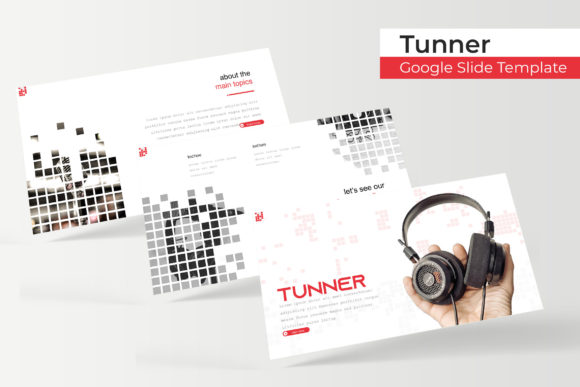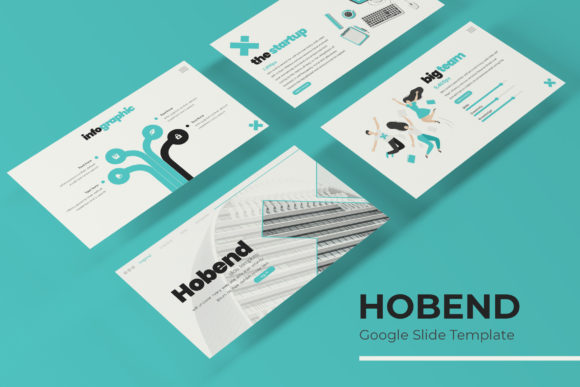
Hobend Google Slide Template: A Complete Presentation Kit
Imagine having a presentation toolkit that feels like it was designed specifically for your next big pitch, creative portfolio, or client proposal. The Hobend Google Slide Template delivers just that—a comprehensive, professionally crafted solution that eliminates the hassle of starting from scratch and elevates your visual storytelling instantly.
What makes this template stand out is its thoughtful structure and creative flexibility. With 150+ total slides spread across five premade color themes, you get 30 meticulously designed slides for each color variation. Whether you prefer a clean corporate palette, a vibrant creative tone, or something more subdued and elegant, there is a version ready to match your project's personality. This kind of variety ensures your presentations never feel repetitive, even when working across multiple clients or campaigns.
Every slide is built on master slides, which means edits are consistent and efficient. Resize elements without losing quality, drag and drop your own images into smart placeholders, and customize graphics knowing the layout will stay pixel-perfect. The handcrafted infographics deserve special mention—they transform complex data into visual stories that are easy to understand and pleasant to look at. From section break slides to dedicated gallery and portfolio layouts, the template anticipates real presentation needs rather than offering generic placeholders.
Designed for Real-World Creative Projects
Whether you are building a brand identity deck, pitching a packaging design concept, or showcasing a portfolio of editorial work, this template adapts to the context. The clean typography and balanced compositions make it suitable for social media strategy presentations, web design proposals, or even educational workshops. Designers who work across multiple formats—logos, posters, merchandise mockups—will appreciate how the slides provide a cohesive backdrop without overshadowing the actual work being presented.
The included PPTX files are compatible with both Google Slides and PowerPoint, giving you flexibility across platforms. The widescreen format is standard for modern displays, and the readme file ensures you can get started quickly. A free font download link is included, so typography remains consistent without additional licensing headaches. It is worth noting that preview images are not included, but the placeholder system makes inserting your own visuals straightforward and intuitive.
Practical Tips for Getting the Most from This Template
Before diving in, consider a few best practices to maximize the template's impact:
- Match the color theme to your audience. Corporate clients may prefer neutral tones, while creative agencies might respond better to bolder variations.
- Use the infographic slides for data-heavy sections. They are designed to simplify information without sacrificing visual appeal.
- Test font pairings with your brand assets. The included typeface works well with both serif and sans serif fonts, so experiment to find combinations that feel authentic to your project.
- Keep slides focused. With 30 slides per theme, you have room to breathe—avoid overcrowding any single layout.
The right presentation template does more than organize content. It builds trust, communicates professionalism, and helps your audience focus on the message rather than distracting design inconsistencies. By choosing a resource like Hobend, you are investing in a design asset that supports clearer communication and stronger visual branding across every project you take on.