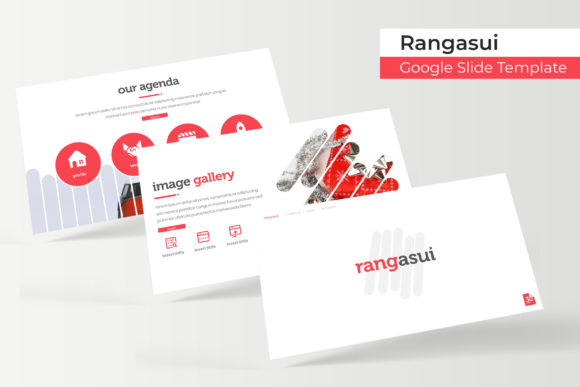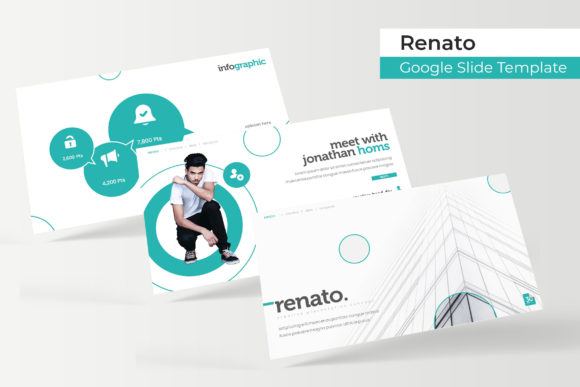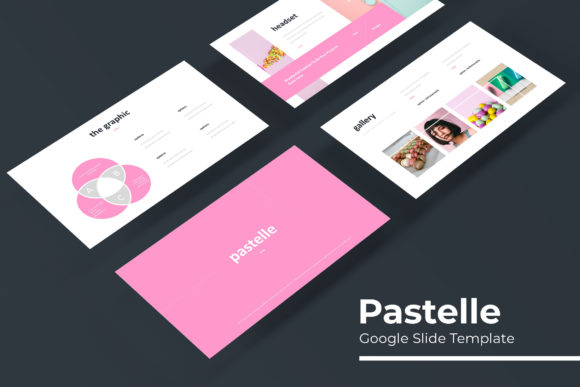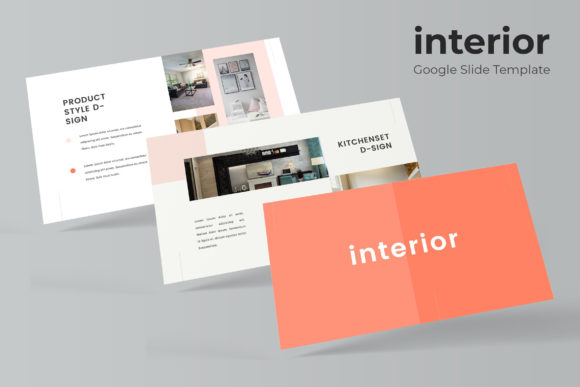
Penyon Google Slide Template: A Versatile Design Toolkit
Crafting a presentation that truly captivates your audience often starts with a powerful visual framework. The Penyon Google Slide Template offers just that—a comprehensive and beautifully designed system built for creators who value both aesthetics and efficiency. This isn't just a single slide deck; it's a full creative suite that provides the building blocks for professional, polished presentations across a wide range of projects.
Unpacking the Creative Features
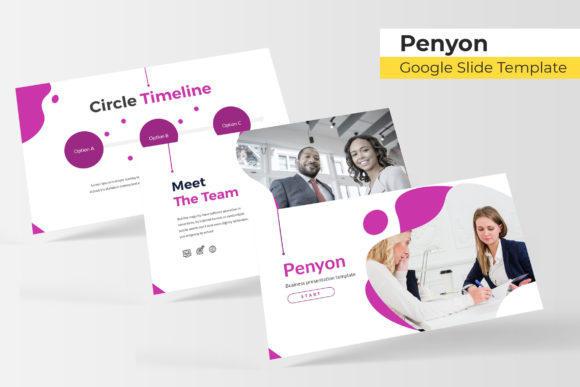
At its core, this template package is designed for flexibility and visual impact. With over 150 total slides organized across five premade color themes, you gain immediate access to a diverse palette to match any brand or mood. Each color variation includes 30 meticulously crafted slides, ensuring consistency and depth in your storytelling. The design philosophy centers on modern, clean typography and handcrafted infographics, turning complex data into clear, engaging visuals. Dedicated section breaks and gallery slides provide natural flow and showcase imagery effectively, making it ideal for portfolios, case studies, or product launches.
Practicality is woven into every element. All graphics are resizable and editable, allowing you to customize every detail to your exact specifications. The intuitive drag-and-drop picture placeholders, built on master slides, streamline the entire design process. This means you spend less time wrestling with formatting and more time refining your message. The pixel-perfect illustrations ensure every slide looks sharp and professional, whether presented on a screen or printed as a handout.
Where This Template Shines
The versatility of the Penyon Google Slide Template makes it a valuable design asset for numerous applications. Consider these practical use cases:
- Business & Branding: Develop compelling pitch decks, company overviews, and brand identity guidelines that communicate professionalism and clarity.
- Creative Portfolios: Showcase design work, photography, or architectural projects in a structured, visually appealing gallery format.
- Education & Workshops: Create engaging lesson plans, workshop materials, and webinar slides that facilitate learning and interaction.
- Marketing & Social Media: Design cohesive campaign presentations, social media strategy decks, or influencer media kits that align with your digital presence.
- Events & Invitations: Craft elegant event proposals, wedding presentations, or conference agendas with a premium touch.
Choosing the right presentation template is akin to selecting a premium font for a logo; it sets the tone for your entire project. The right visual system enhances brand recognition, improves audience comprehension, and elevates your professional image. It’s about creating a seamless experience where every element, from typography to layout, works in harmony.
Tips for Making the Most of Your Template
To maximize the potential of this resource, start by selecting the color theme that best aligns with your project’s mood or existing brand guidelines. Use the master slides to maintain consistency across all pages—this ensures that fonts, colors, and layouts remain uniform, which is crucial for a professional finish. When adding content, leverage the infographic slides to transform statistics and processes into memorable visuals. For portfolio sections, let the high-quality image placeholders do the heavy lifting; a strong photograph or design mockup can convey more than paragraphs of text.
Remember, a great template provides a structure, but your content gives it life. Use the clean, modern typography to highlight key points, but avoid overcrowding slides. The ample white space and thoughtful design are there to guide the viewer’s eye, not compete with your message. Whether you’re preparing a keynote address, a client report, or a personal project, this toolkit offers the creative foundation to present your ideas with confidence and style.
Ultimately, investing in a well-designed presentation system like this one pays dividends in saved time and enhanced professionalism. It empowers you to focus on your narrative and your audience, knowing the visual framework is robust, adaptable, and ready to support your goals. Explore its potential and see how it can transform your next project from ordinary to exceptional.