Pastelle Google Slide Template: A Versatile Presentation Toolkit
Imagine needing to craft a professional, visually stunning presentation under a tight deadline. The Pastelle Google Slide Template offers a comprehensive solution, transforming a potentially stressful task into a streamlined creative process. This isn't just a single slide deck; it's a complete design system with over 150 total slides, built to help you communicate ideas with clarity and style.
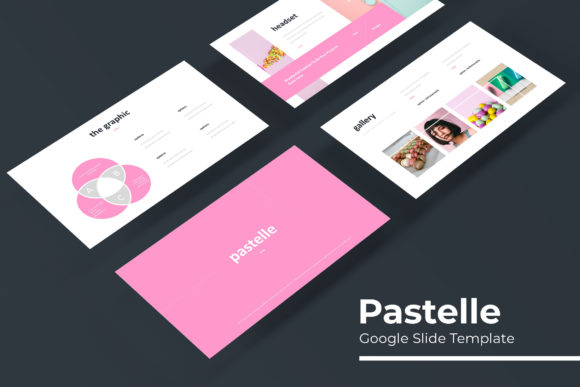
At its core, Pastelle provides a foundation of modern typography and clean layouts. The template includes five premade color variations, each containing 30 meticulously designed slides. This allows you to instantly switch the entire mood of your presentation to match your brand identity or the topic at hand. Whether you're preparing a corporate report, a creative portfolio, or a marketing pitch, the color themes ensure your slides look cohesive and polished from the first page to the last.
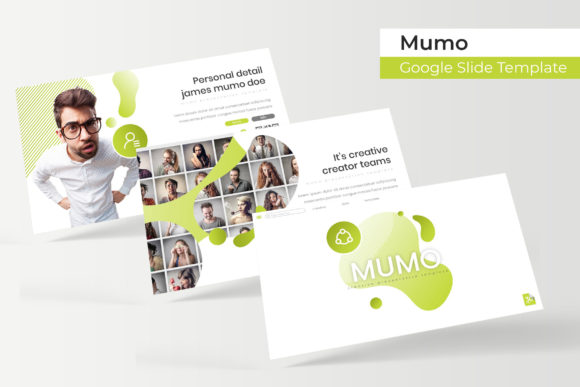
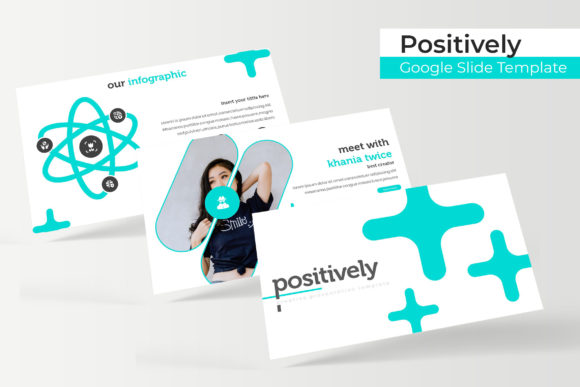
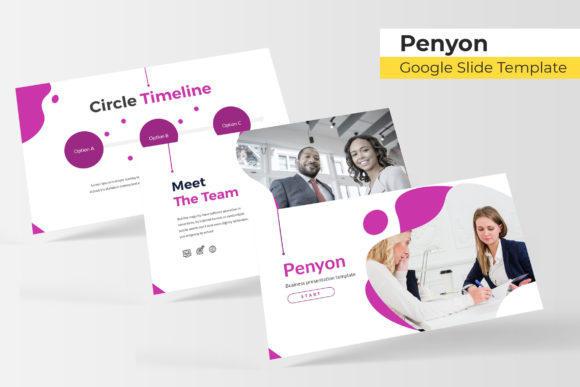
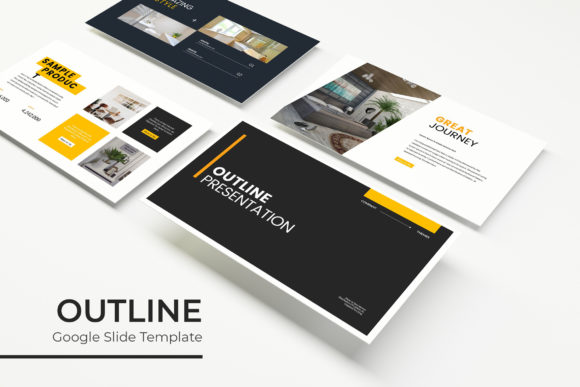
The design assets within Pastelle are crafted for practicality. You'll find handcrafted infographics that turn complex data into engaging visual stories, and dedicated section break slides that give your presentation a professional rhythm. The gallery and portfolio slides are perfect for showcasing work, while the resizable and editable graphic picture placeholders make adding your own images a simple drag-and-drop task. Built on master slides, every element is pixel-perfect, ensuring your final output looks sharp and intentional.
Practical Uses for a Flexible Presentation Template
A versatile design asset like this fits numerous creative and professional scenarios. Consider using Pastelle for:
- Business and Marketing: Creating investor pitches, quarterly business reviews, or product launch presentations that need to impress stakeholders.
- Creative Projects: Building a digital portfolio to send to clients, designing a workshop guide, or developing a visual mood board for a branding project.
- Education and Training: Developing clear, engaging lesson plans, online course materials, or conference talk slides that hold an audience's attention.
The strength of a well-structured presentation template lies in its ability to adapt. The Pastelle system, with its included PPTX files for both standard and widescreen formats, gives you the flexibility to work in your preferred software while maintaining a consistent, high-quality design language.
Choosing and Using Your Design Assets Wisely
When selecting any premium design asset, a few considerations ensure it meets your needs. First, review the visual style. Does the modern typography and pastel-inspired palette align with your project's tone? For Pastelle, the aesthetic leans toward clean, contemporary, and approachable, making it ideal for designs that aim to feel both professional and friendly.
Next, consider font pairing and readability. While the template comes with a curated font recommendation (with a free download link included), you may want to pair it with other typefaces for specific projects. The clean sans-serif and serif options within the design provide a solid base for pairing with a complementary script or handwritten font for headings, creating a dynamic typographic hierarchy.
Finally, always check the license. The Pastelle template includes a clear readme file, and understanding the terms ensures you can use it confidently for commercial and personal projects. Remember, the photographs used in previews are for illustration only; you'll need to source your own images, which the drag-and-drop placeholders simplify beautifully.
Ultimately, investing in a thoughtful design asset is about more than aesthetics; it's about efficiency and impact. A template like Pastelle Google Slide Template provides the structure and style that allow your content to shine, helping you build brand recognition and deliver your message with the polished confidence of a seasoned designer. It’s a toolkit designed not just to look good, but to make your work easier and more effective.